Install guide
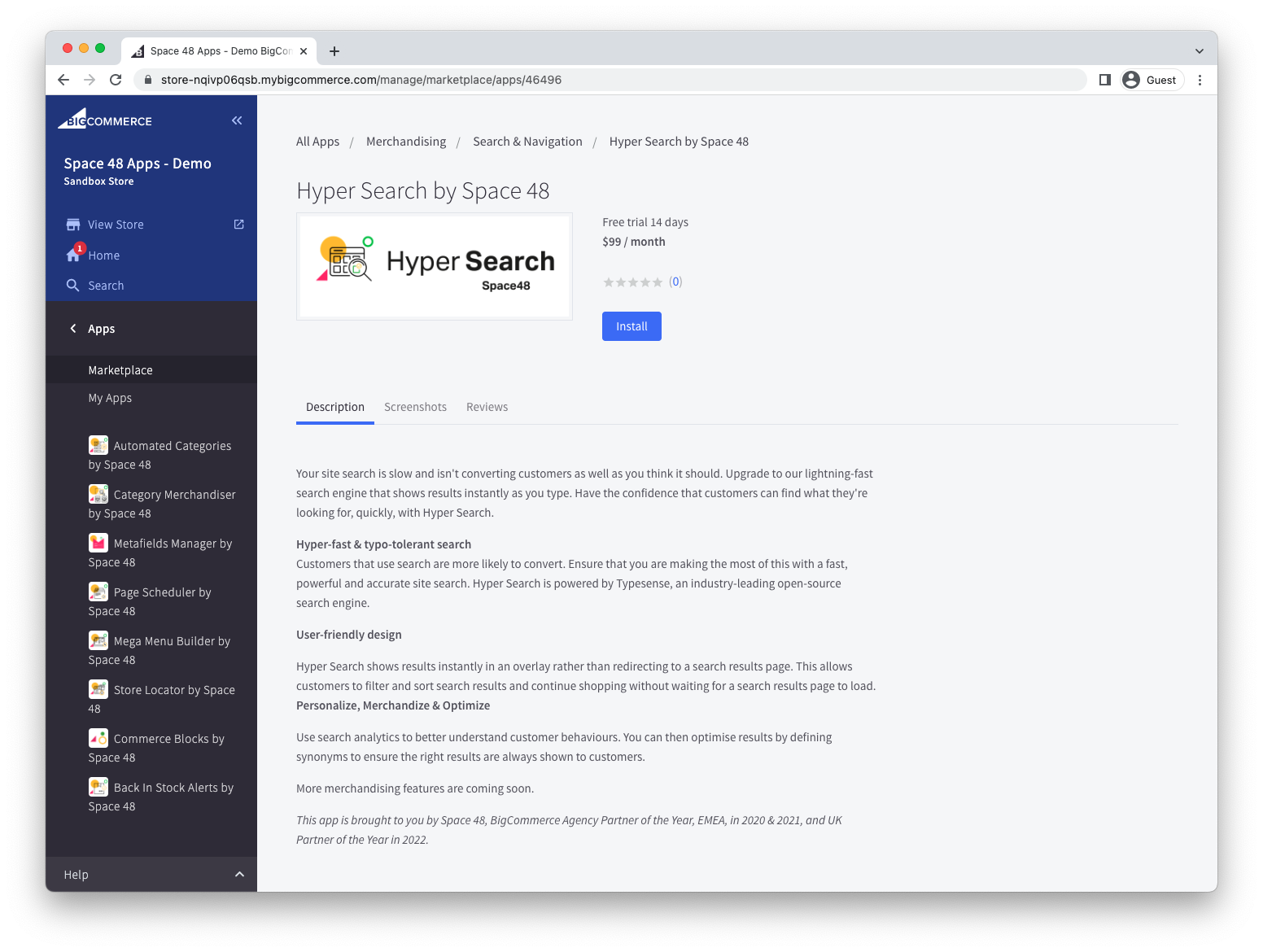
Hyper Search supports single-click installation from the BigCommerce App Marketplace. You need permission to install apps on your store.
Install the app
- Open Hyper Search on the BigCommerce App Marketplace.
- Select Get this app and choose the store where you want to install it.
- Select Install.
Review permissions
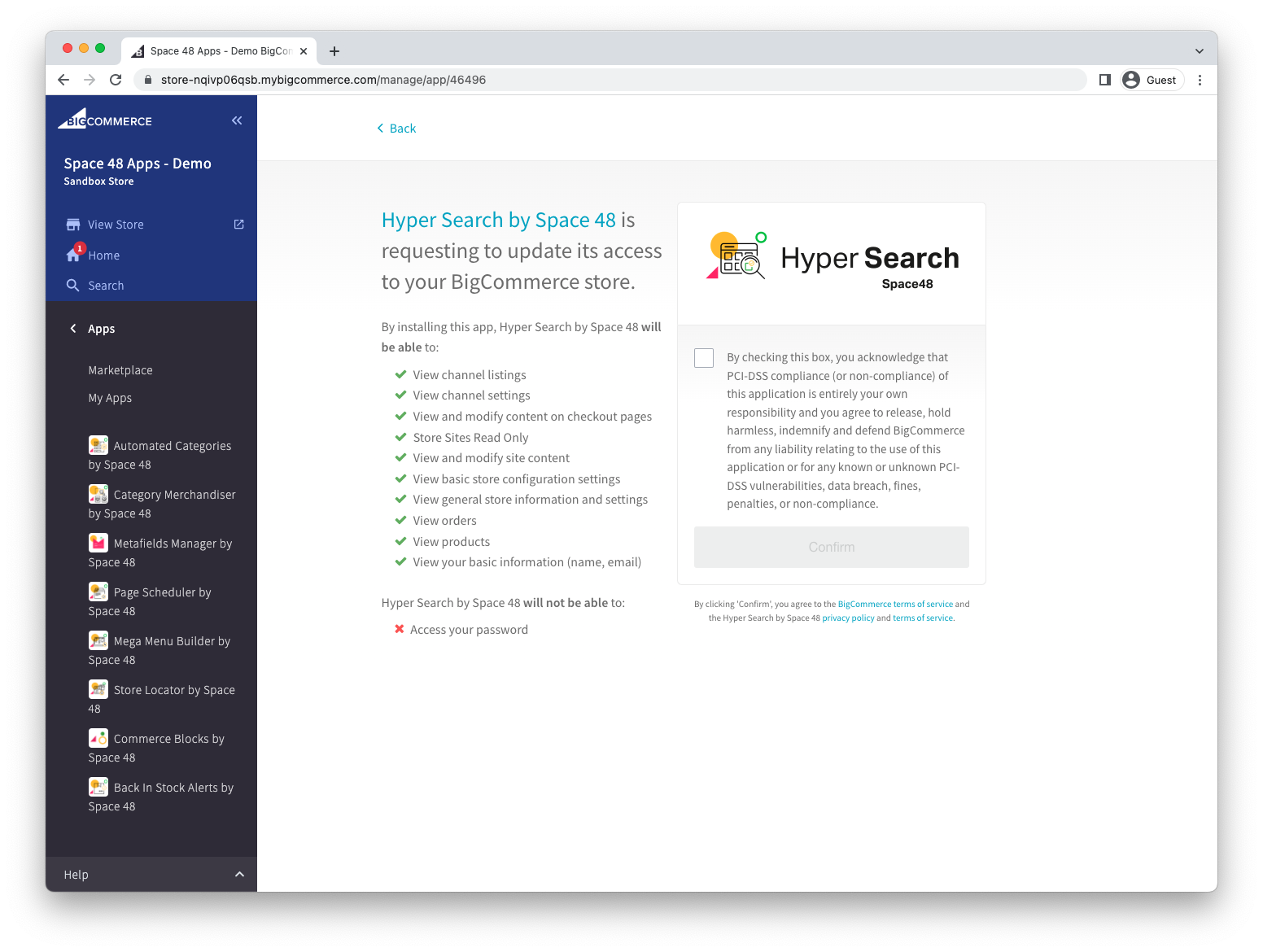
- Review the requested permissions. Hyper Search needs access to store and product information so it can index your catalogue.
- Select Confirm.
Next steps
After installation, follow the quick start guide to:
- Choose a region in which to store your search data.
- Configure indexed fields, search fields and filters.
- Add Hyper Search to your theme, customise its design and enable it on your storefront.
If the installation does not complete, see the FAQs or contact support.