Choose search fields
Once you have chosen your indexed fields, it's time to choose which fields should be used to search for relevant products.
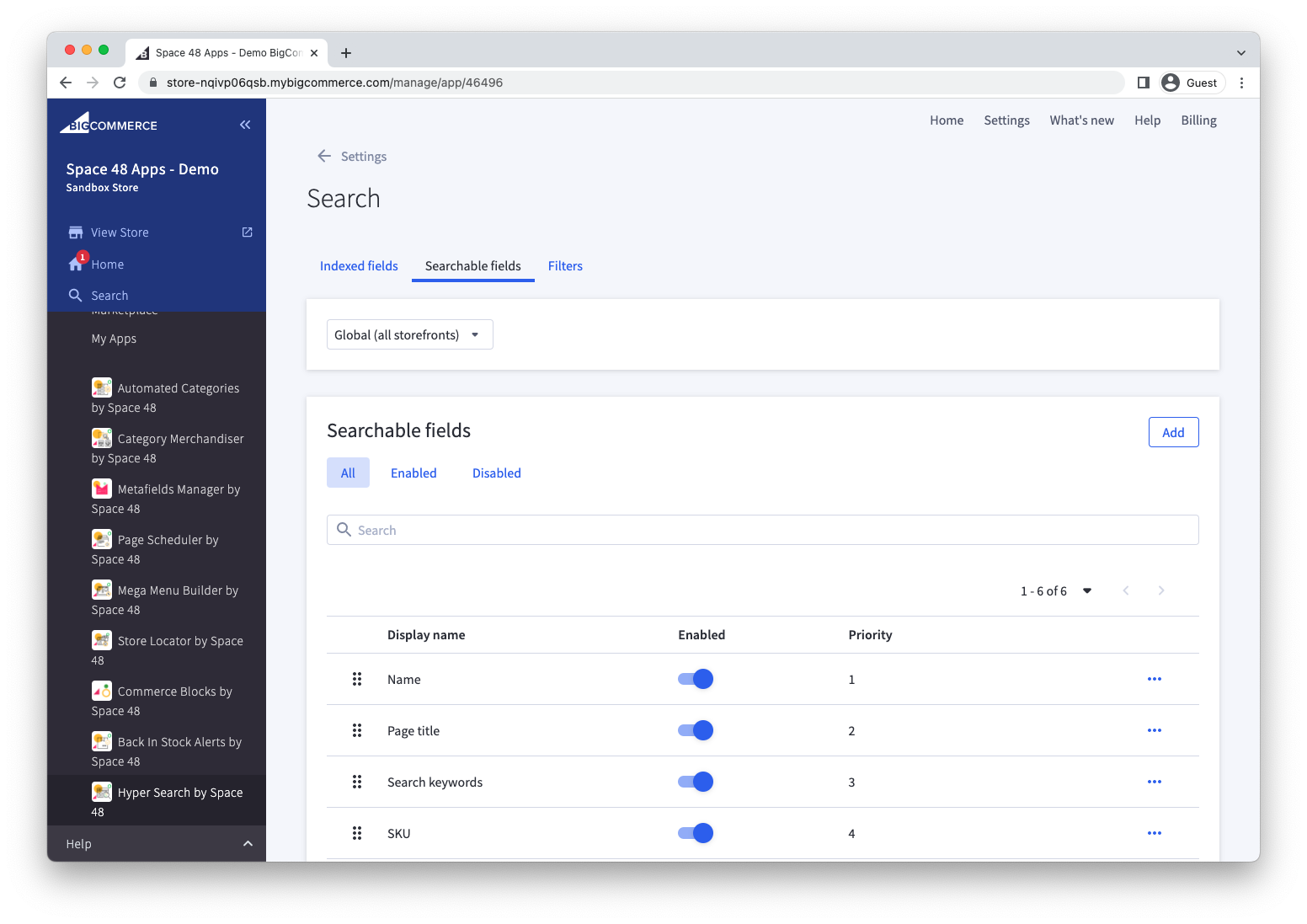
How to choose your search fields
Choose any product fields which could contain search terms that a customer is likely to use. By default, we recommend:
- Name
- Page title
- Search keywords
- SKU
- Categories
- Brand
You may then have certain custom fields that you know will contain relevant search terms that you could include.
Be wary of including the product 'description' field. These are likely to include lots of words that aren't strictly describing this product and so it is likely to increase the number of false positives.
Add a field to be searched
- Select Add.
- Search or browse for the standard or custom product field.
- Confirm that its data type is correct.
- Save the search field.
Adding a search field will automatically add it as an indexed field.
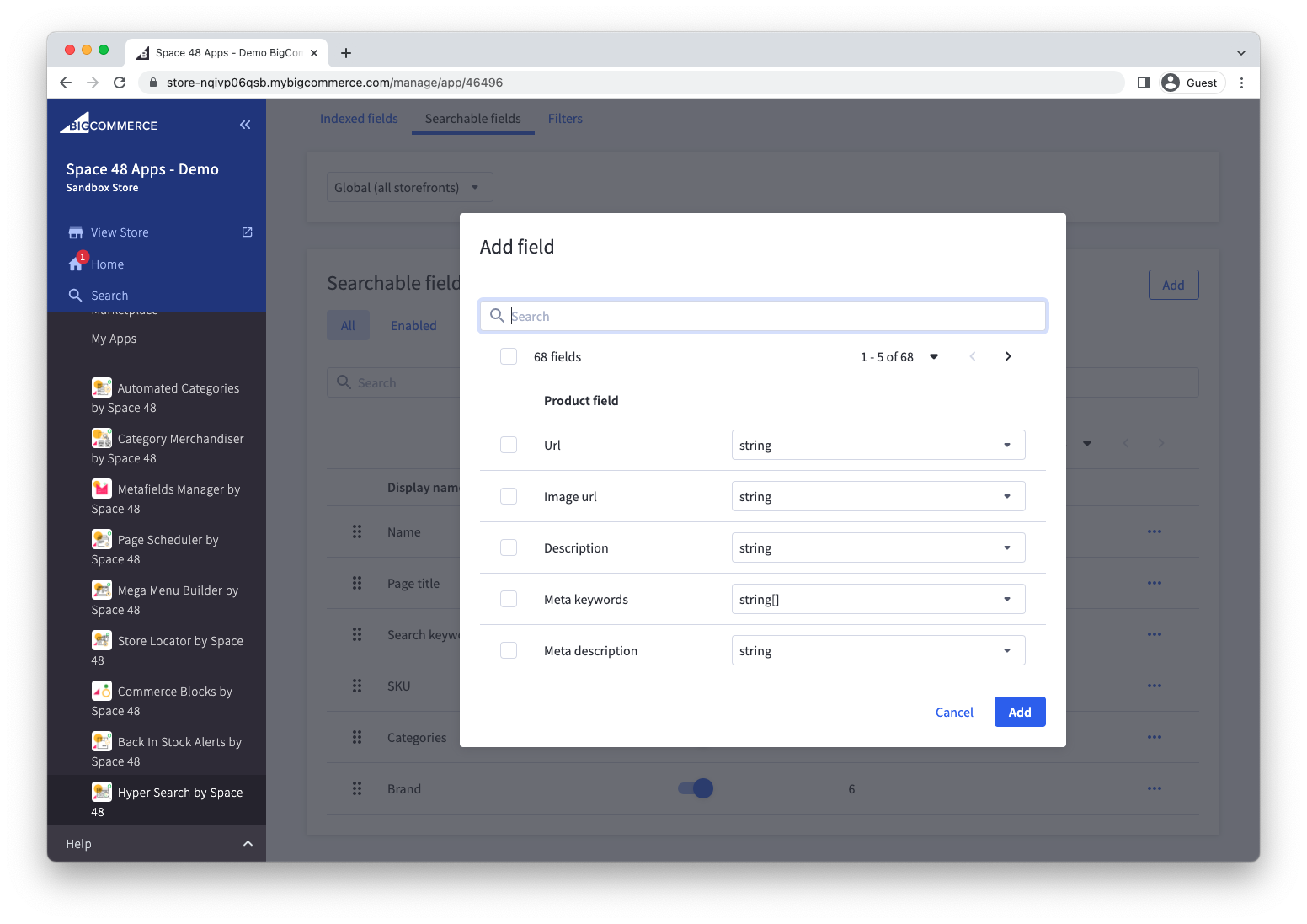
Adding a new search field will automatically trigger a sync of product data from BigCommerce unless the field was already indexed.