Choose indexed fields
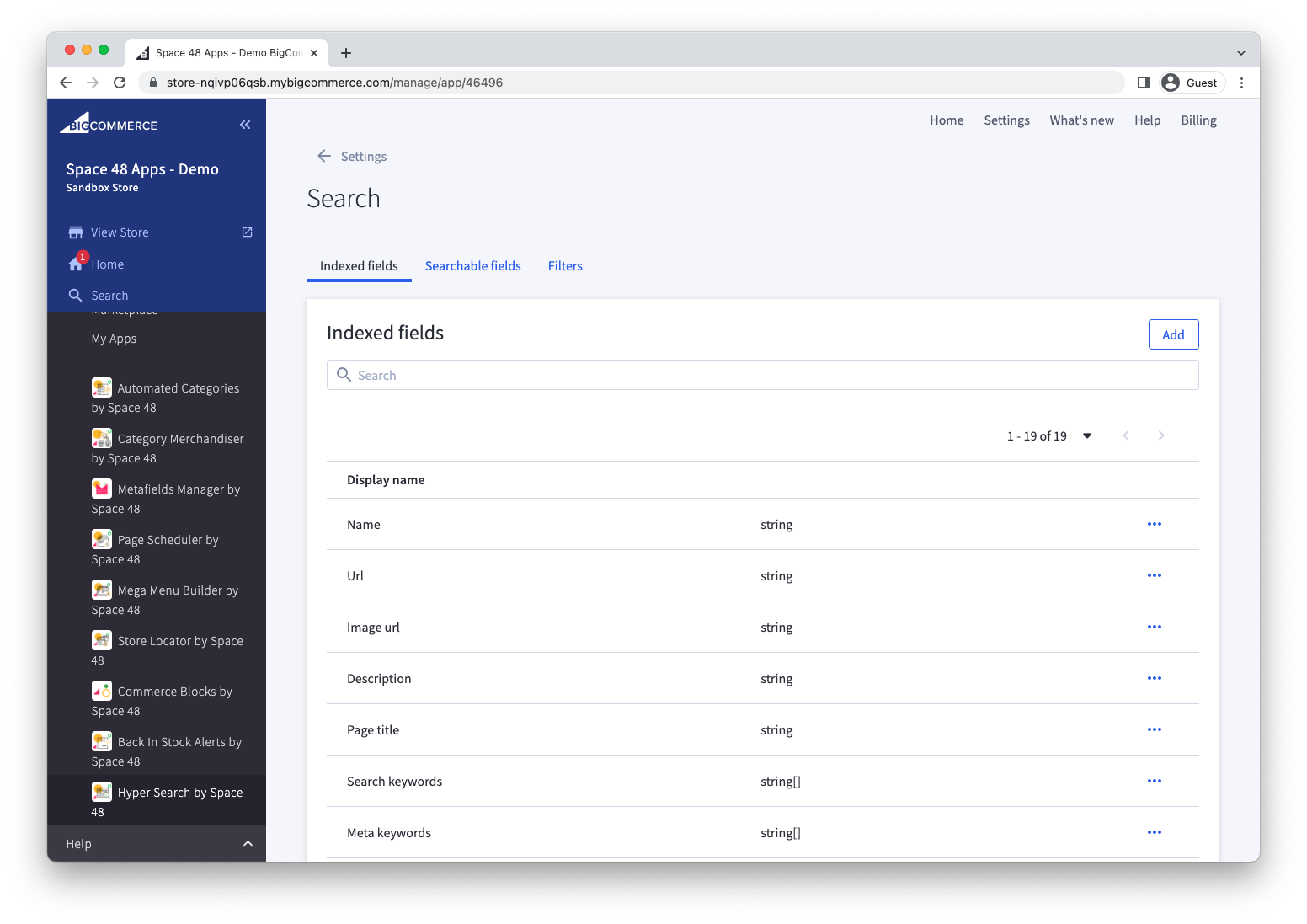
Choose which BigCommerce product fields Hyper Search should index. An indexed field can then be searched, filtered, sorted or used in a product result template.
How to choose your indexed fields
We have set some sensible defaults for indexed fields however you may want to choose some additional fields to index.
Consider:
- Any fields customers need to search.
- Any fields used to filter or sort search results.
- Any fields used by the product results template.
info
Choose Hidden for sensitive fields that should not be returned to the storefront, such as total_sold. Hidden fields can still be used for matching or sorting.
Add a field to be indexed
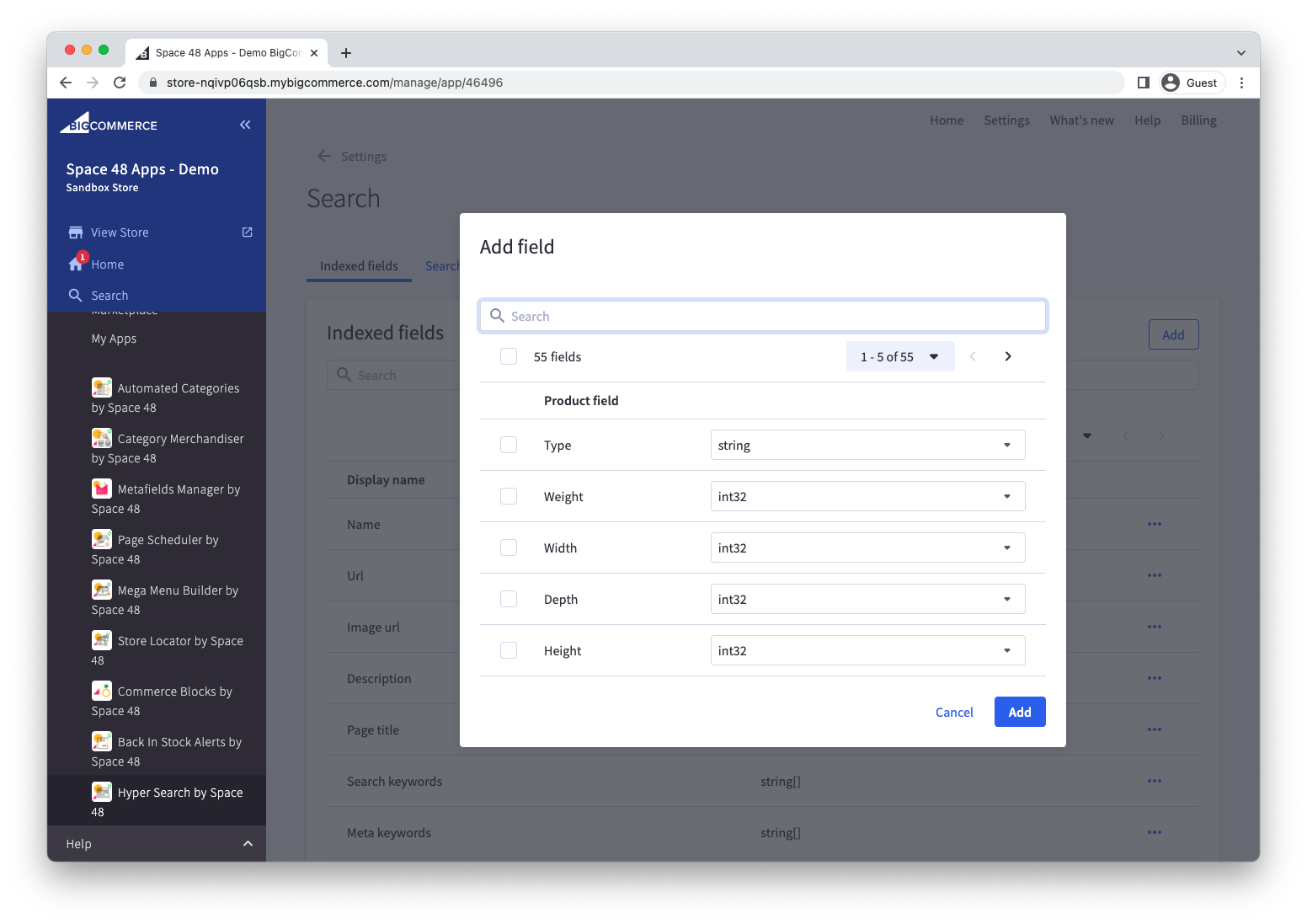
- Open the indexed fields settings and select Add.
- Search or browse the available standard and custom product fields.
- Select the field and confirm its data type, such as
stringfor text orintfor a whole number. - Save the field.
info
It may take a few moments after installation for Hyper Search to find all custom fields used on your products. Following this, Hyper Search will find new custom fields twice a day.