Exclusions
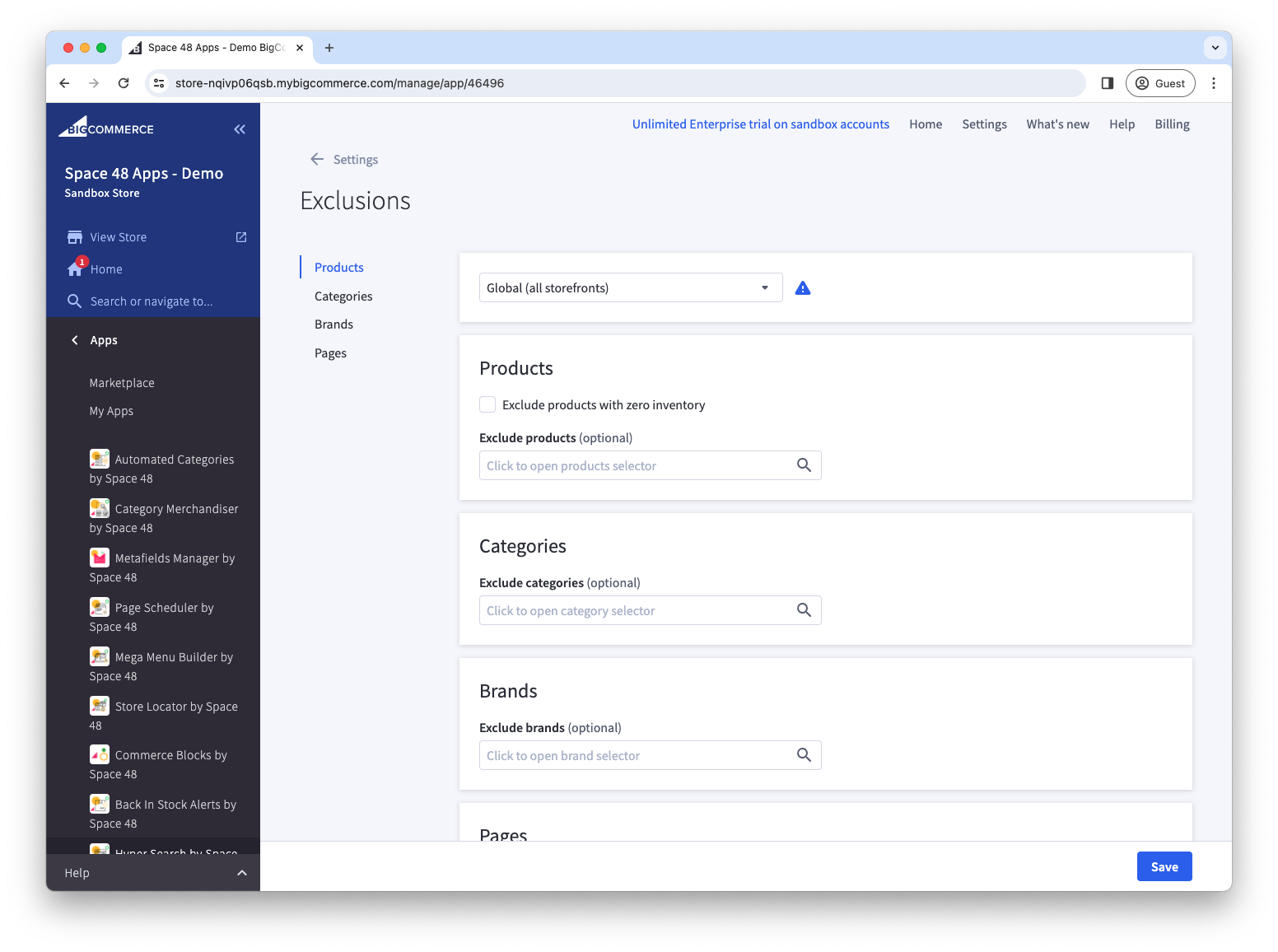
Exclusions hide products, categories, brands and pages from search results.
- Open Settings > Exclusions.
- Search for and select the items to hide.
- Select Save. The items disappear from storefront searches after the search index updates.
info
You can also choose to exclude out-of-stock products from search results.
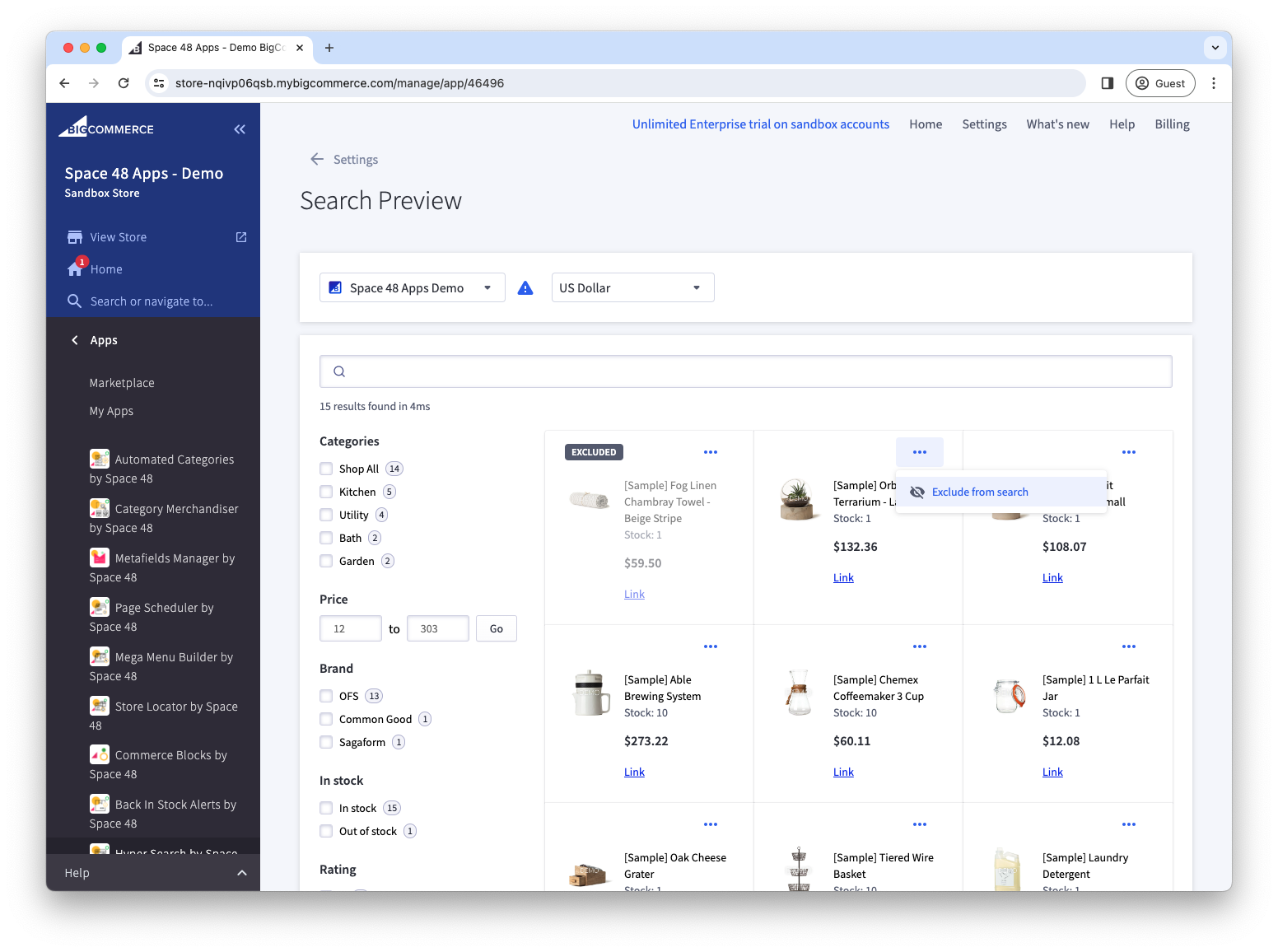
You can also open Settings > Preview to find a product and toggle its exclusion.