Previewing search results
Once you've set which fields should be indexed, searched and used to filter, you can begin previewing your search results within the app. This can be found in Settings > Preview.
info
After configuration, there will be a short delay while Hyper Search synchronizes your product data from BigCommerce.
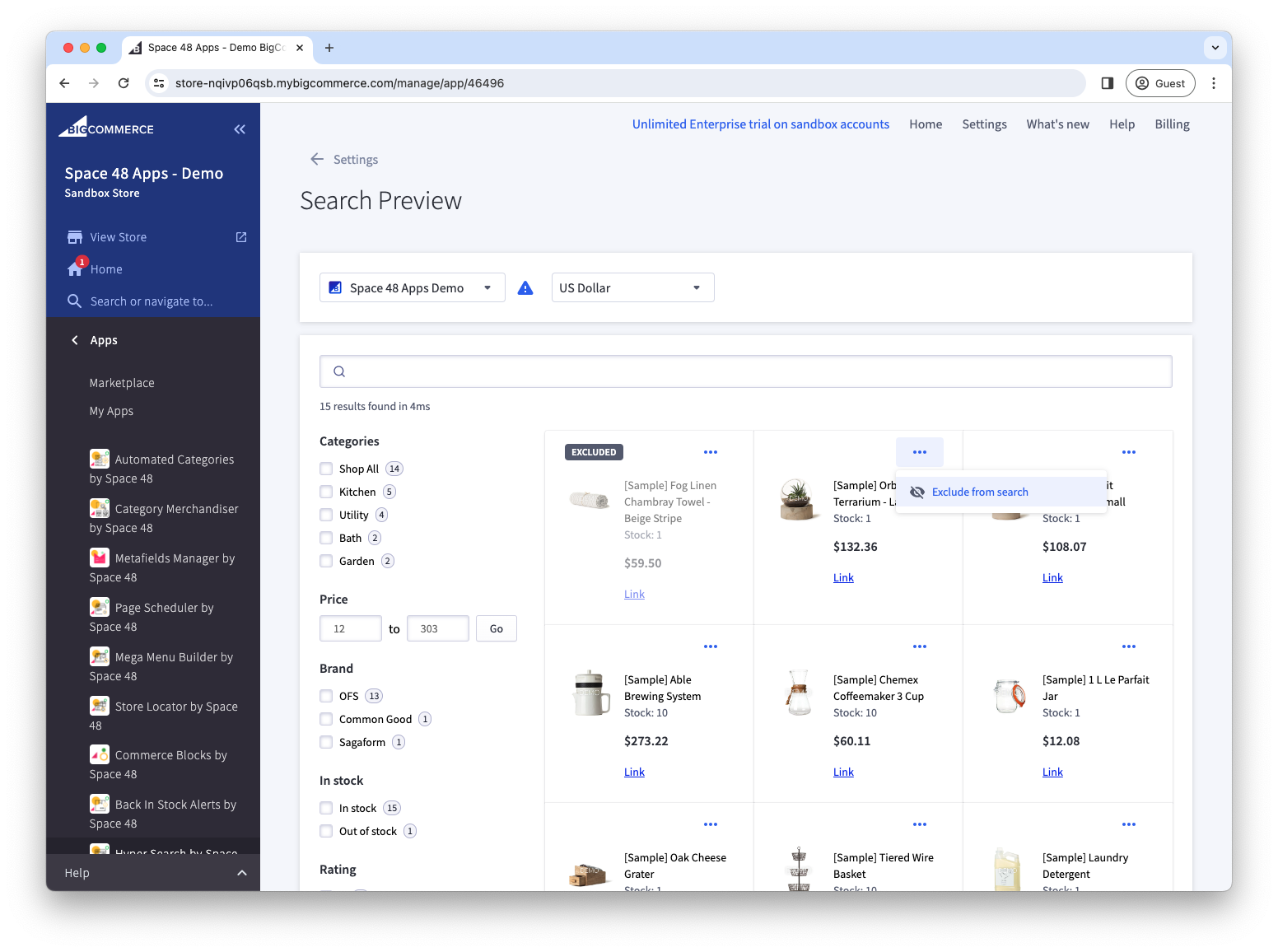
Enter representative customer queries and check the products, result order and filters before enabling Hyper Search. You can filter and page through the results just as a customer would.
For multi-storefront stores, choose a storefront and currency to verify each configured experience. If the results are not relevant, review your search fields, synonyms and merchandising rules.