Adding search synonyms
Customers will often use words that have the same meaning as words used in your product information. To ensure that Hyper Search can return the most relevant results, we recommend declaring these synonyms.
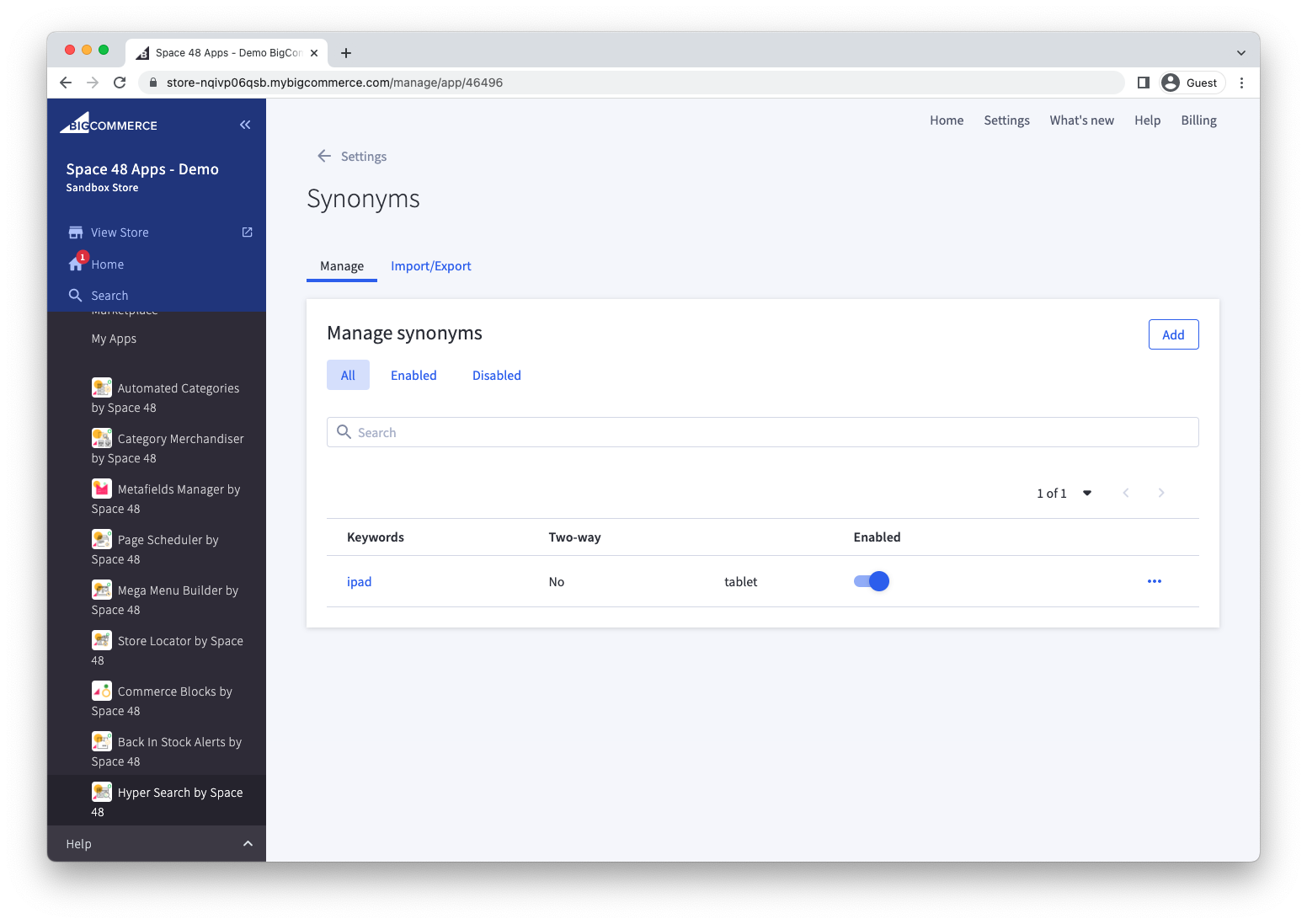
This can be done in the Settings > Synonyms area of the app.
Create a synonym group
Select Add to define a synonym group.
Two-way synonyms
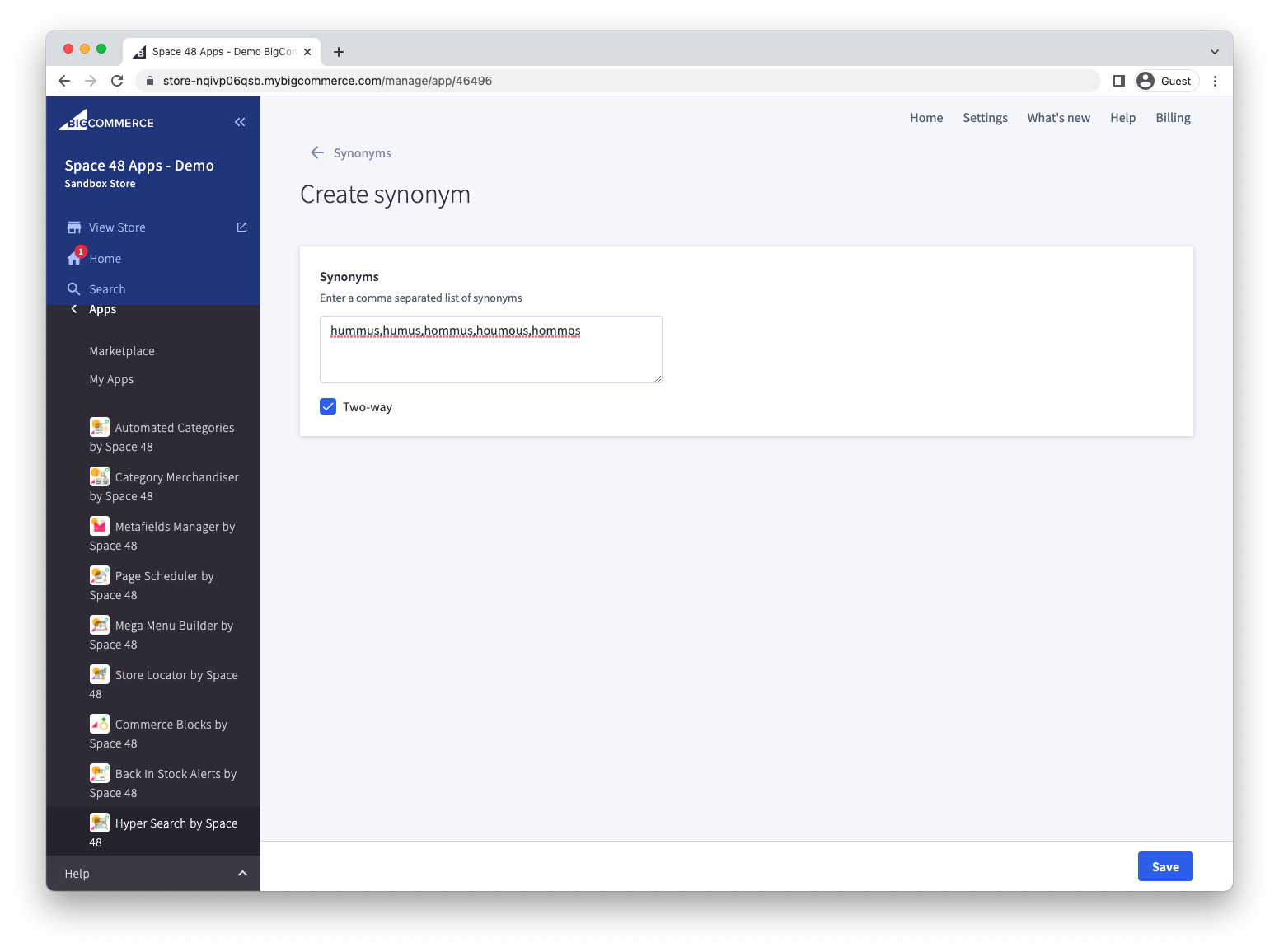
If all words have exactly the same definition, e.g. when defining spelling variations, then create a comma-separated list of synonyms, and save.
When a search is made of any of these search terms, a search for all of the other synonyms will also be performed.
Hyper Search built-in spelling correction will automatically find similar words when performing searches.
One-way synonyms
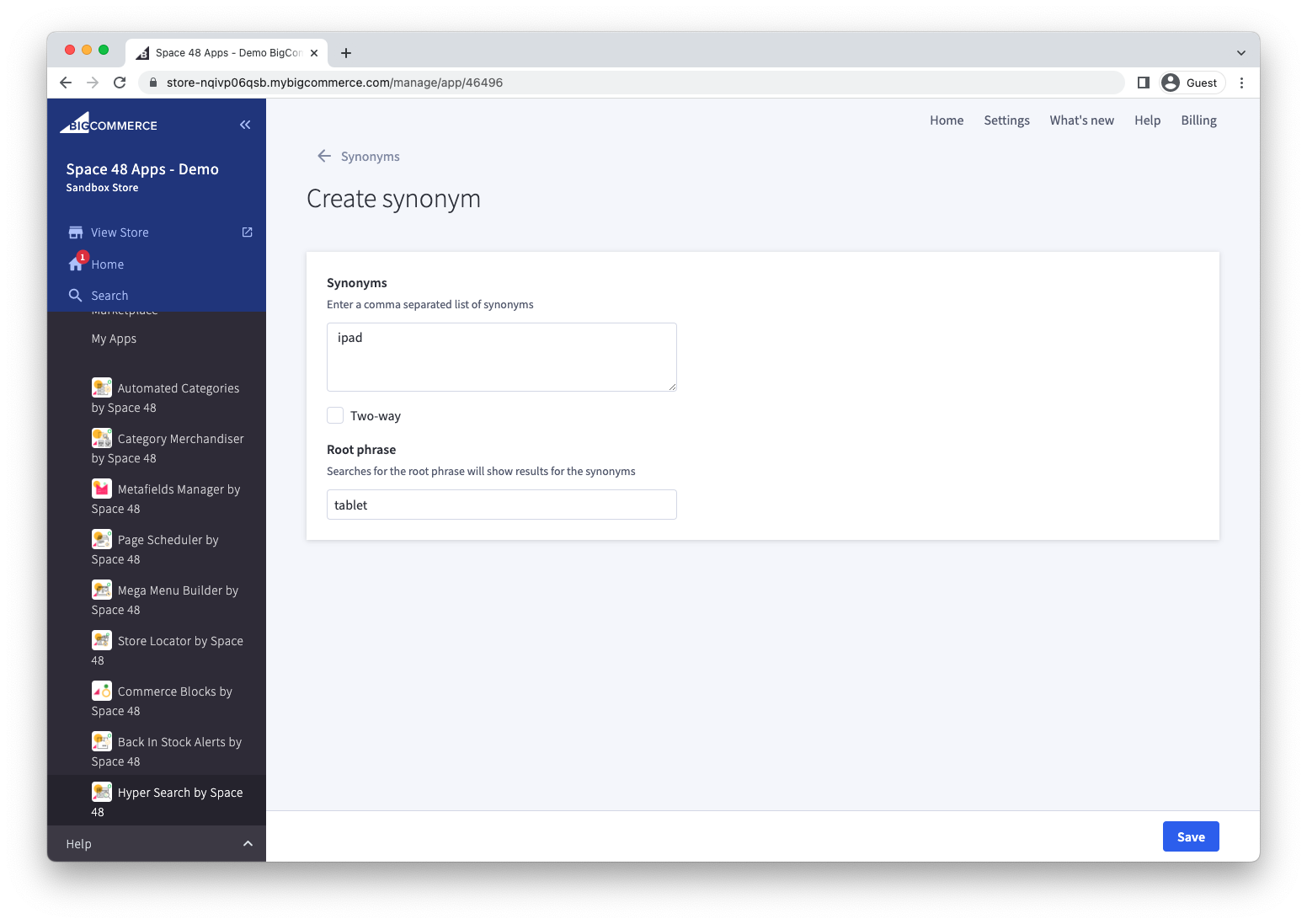
Often, there will be alternative words that can be used to match your product but they're not replaceable in all instances. For this situation, you can use a one-way synonym with a root phrase.
For example, when searching for "tablet", you want to ensure that any products matching "iPad" are shown in the response.
Note, however, that the reverse is not true. When searching for "iPad", it would be incorrect to show any products matching "tablet".
Import or export synonyms
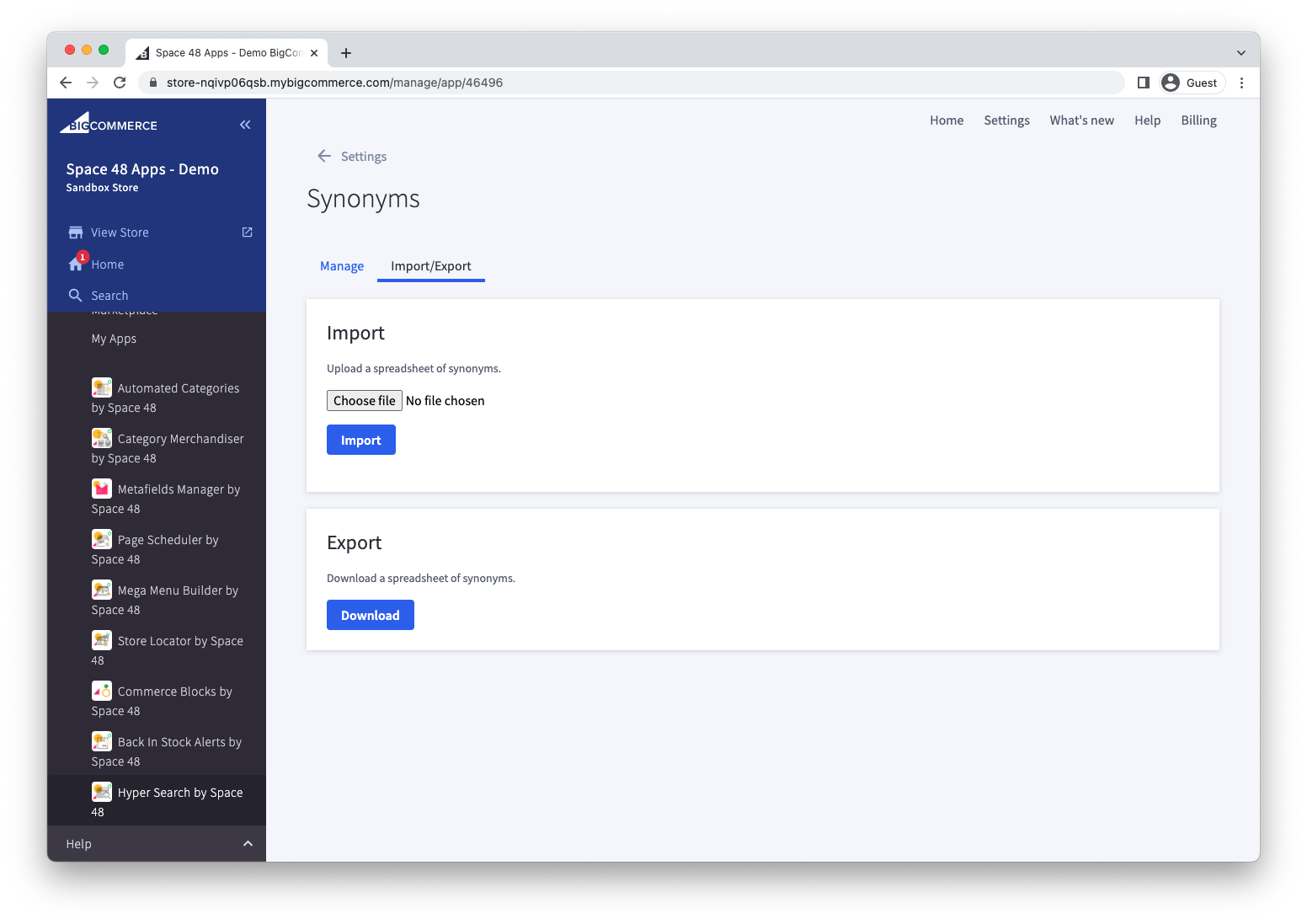
Use the spreadsheet import and export tools to manage synonym groups in bulk.