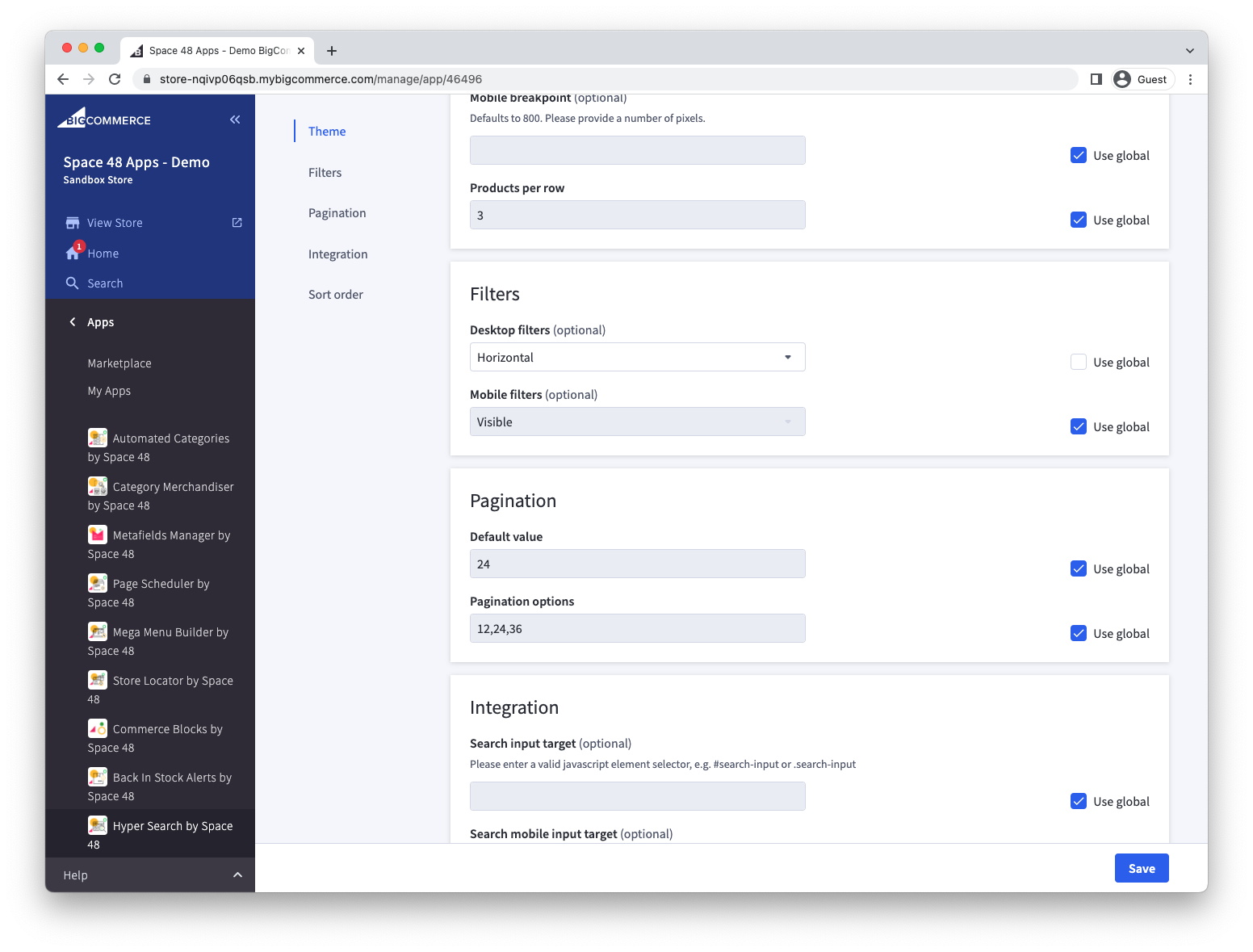
Multi-storefront support
Hyper Search supports BigCommerce multi-storefront. Configure shared defaults once, then override settings that need to differ for a particular storefront.
Customise settings for a storefront
By default, all settings are set as "defaults" or "global" settings. You can override these settings on a particular storefront.
- Choose the storefront from the storefront selector.
- Change the settings that should differ from the defaults.
- Save your changes and preview the storefront.
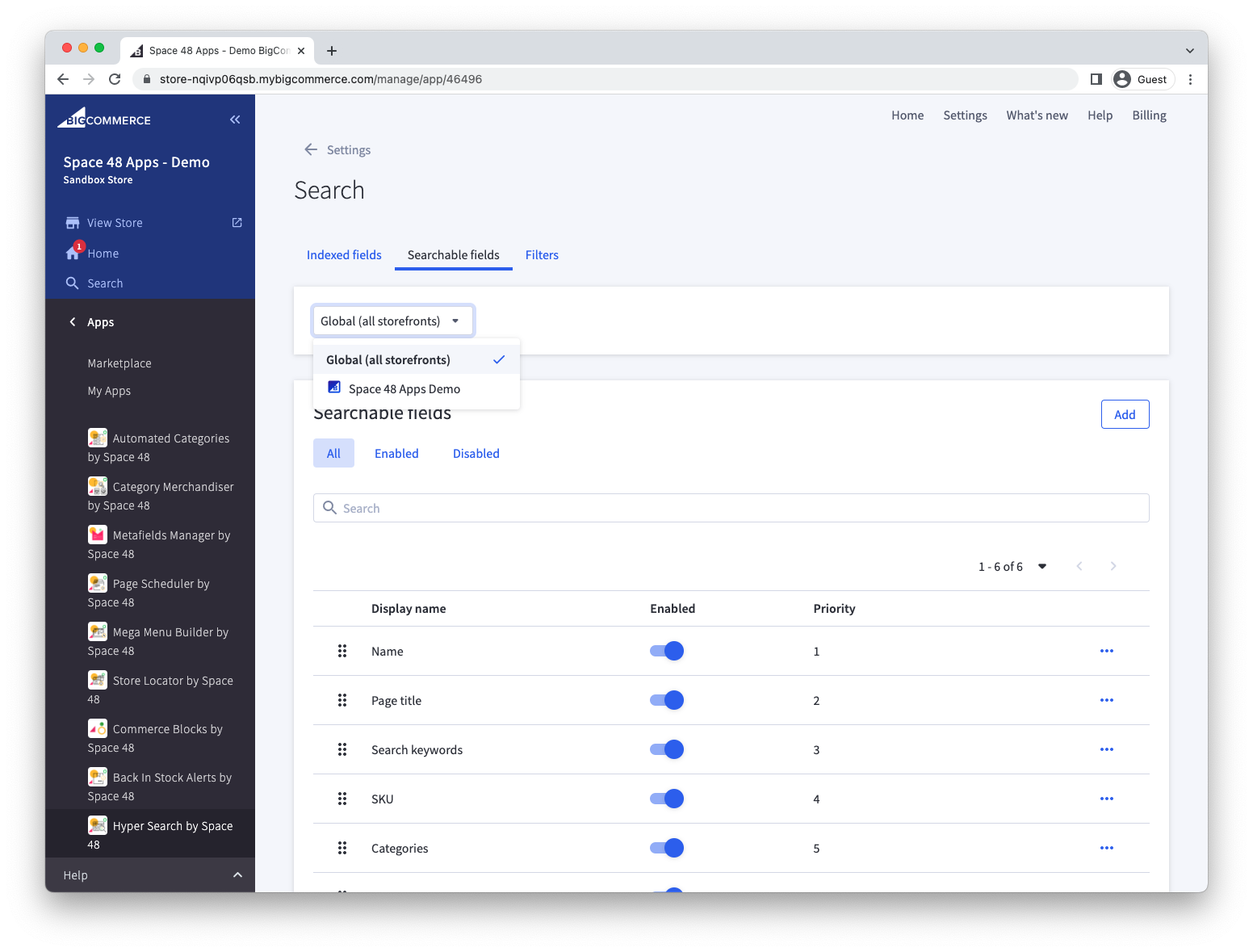
Some settings pages, including Storefront, identify the fields overridden for the selected storefront.